Before you request quotes for MDM software, take a look at the systems you already pay for. Apple, Microsoft and Google often include device management. With this check you'll know in ten minutes what you have, what is actually set up and whether an extra tool is worth it.
Key takeaways
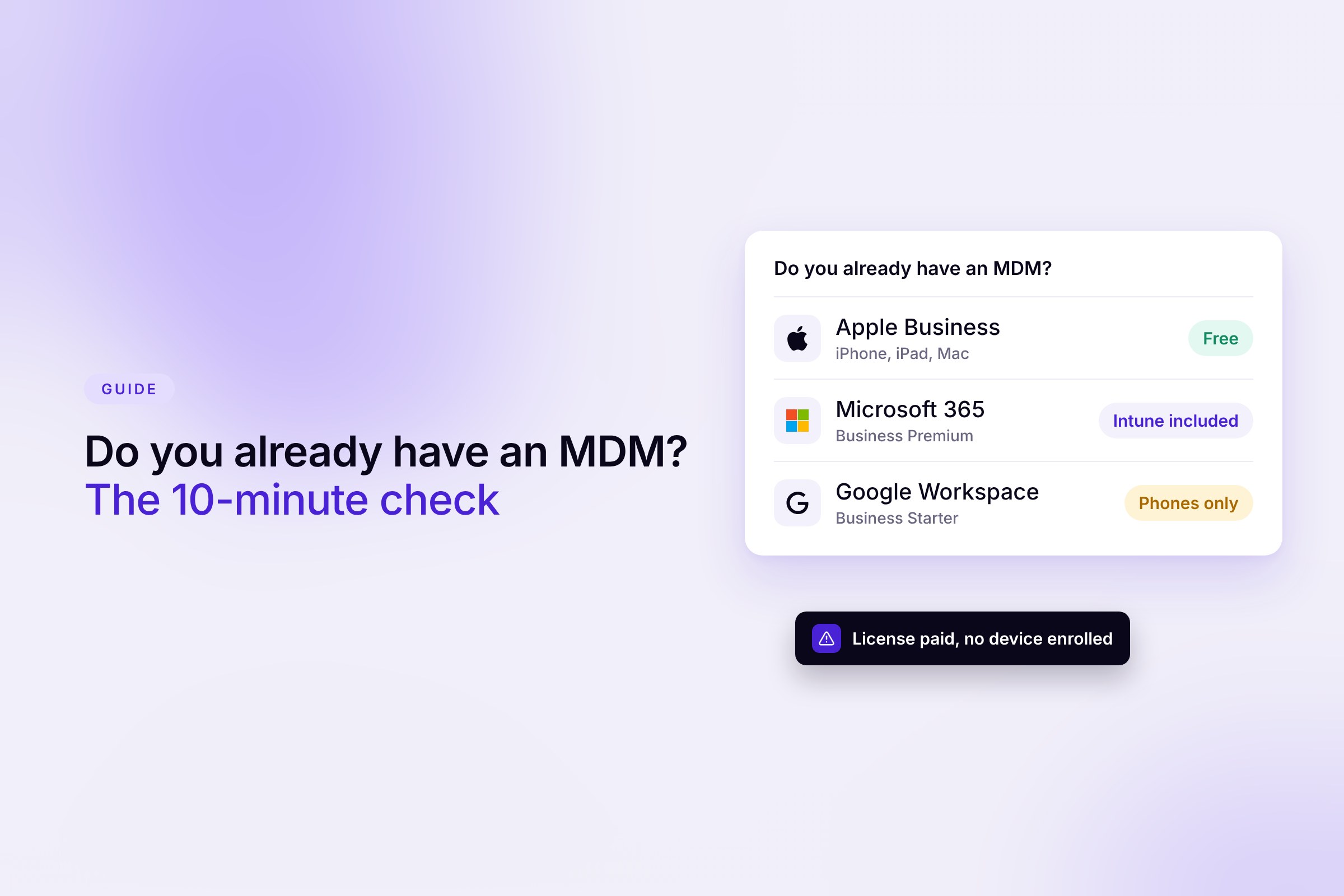
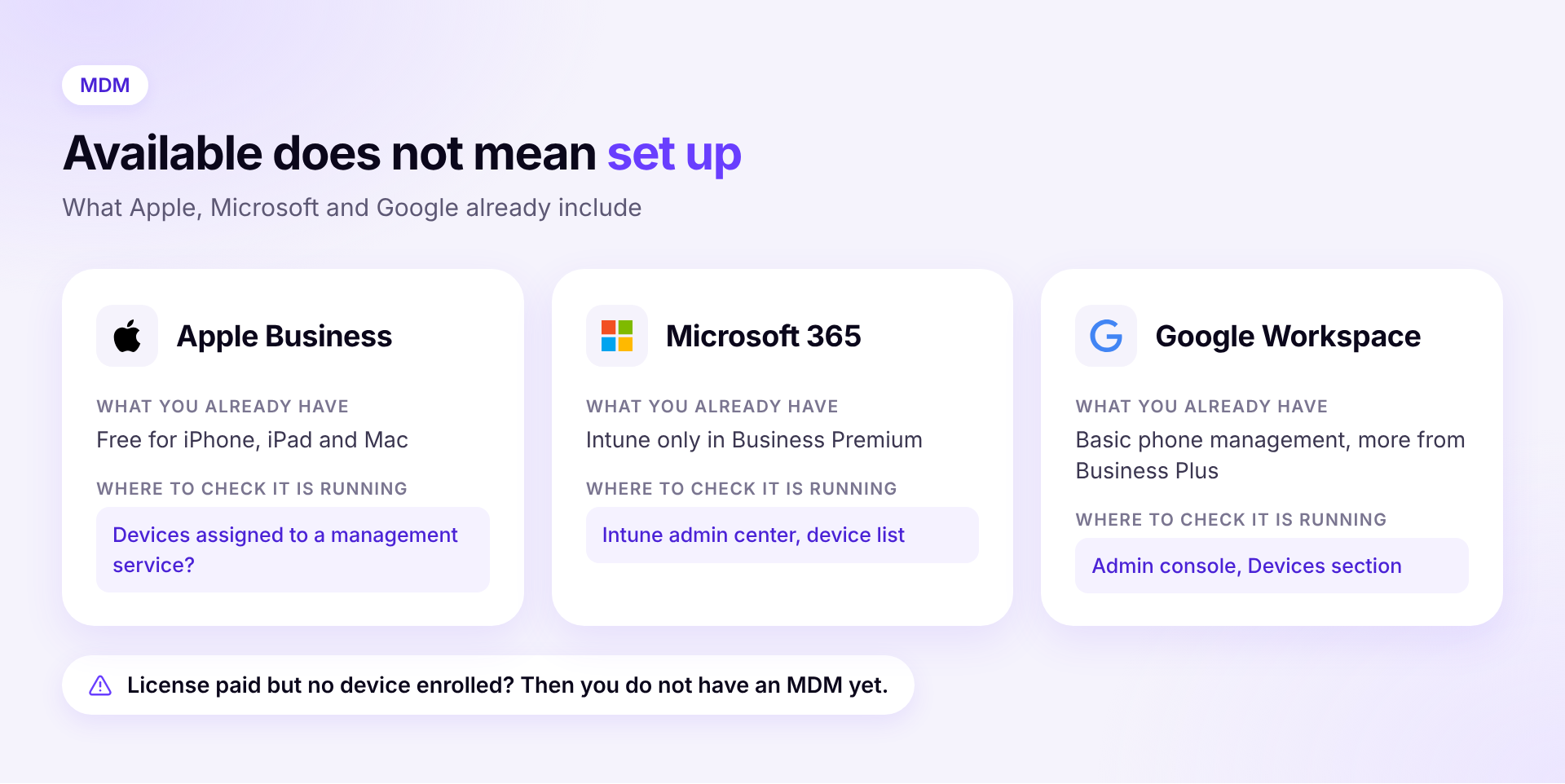
- Many SMBs already have an MDM without knowing it. Apple Business has been free since April 14, 2026, and Microsoft 365 Business Premium includes Intune Plan 1.
- Google Workspace includes basic phone management in all Business editions. Advanced management and Windows devices start with Business Plus.
- What counts is not what's available but what's set up. A license nobody configured protects no device.
- An extra tool pays off for mixed Mac and Windows fleets, when customers or auditors ask for proof, and when nobody has time for the setup.
Available or set up?
Ask two questions for every system. Which features can you use without an extra license? And are your devices actually enrolled with the rules turned on? Your billing answers the first question, the device list in each console answers the second.
Apple devices and Apple Business
Since April 14, 2026, Apple has combined Apple Business Manager, Apple Business Essentials and Apple Business Connect into one platform called Apple Business. According to Apple, the base platform is free and available in more than 200 countries.
- What you get. Built-in device management for iPhone, iPad, Mac and Apple TV. With so-called Blueprints you bundle apps and settings and assign them to groups, people or devices.
- What's available where. Device management, zero-touch deployment, Managed Apple Accounts, app purchasing and business email are widely available. The full bundle of email, calendar and directory is US-only so far (Apple).
- Automatic setup. It's easiest when you buy devices from Apple, an authorized reseller or carrier. If they're assigned to a management service in Apple Business, they enroll automatically after unboxing. Devices bought elsewhere can be added later with Apple Configurator, but usually have to be erased first.
The limit is clear. Apple Business only manages Apple devices. As soon as Windows laptops or Android phones join, you need a second tool. External MDM software still connects to Apple Business, and you can even connect several management services side by side.
Microsoft 365 and Intune
- Is Intune already included? Microsoft 365 Business Premium includes Intune Plan 1, Business Basic and Business Standard do not (Microsoft). Your billing in the Microsoft 365 admin center shows which plan you have.
- Windows Autopilot. New Windows laptops set themselves up on first start if they're registered in Autopilot and Intune is configured. This works with Pro and Enterprise editions, not with Windows Home.
Google Workspace
- Basic management. For Android, iPhone and iPad it's included in all Business editions and on by default. It covers a simple passcode, removing company data and blocking devices (Google).
- Advanced management. Work profiles, remote wipe for Android, app management for iPhone and iPad and Windows device management start with Business Plus.
Company phones through your carrier
Many companies order and manage company phones through their carrier's business portal. There you see contracts and SIM cards, but that doesn't replace an MDM. Whether a phone is locked, encrypted and up to date isn't shown there.
When the check isn't enough
Three situations call for more even if you have device management. First, a mixed fleet of Mac and Windows where two consoles get in the way. Second, an auditor or customer who wants proof of encryption and updates. Third, a team where nobody has time to set up and maintain Intune or Apple Business. Our comparison of MDM software for SMBs shows which solutions fit then.
How to get started with MDM
- Take stock. Which devices are there, who uses them and which operating system do they run? Our guide to managing company laptops shows what that looks like day to day.
- Set a baseline. Encryption on, screen lock, automatic updates. What the BSI recommends beyond that is in our guide to BSI requirements.
- Test with a small group. Three to five devices from different teams before everyone is enrolled.
- Run through an emergency. What happens if a laptop is left on a train tomorrow? Who locks it, who reports it, who documents it? Remember that an offline device only receives the lock command once it reconnects, so encryption set up in advance matters as much as the remote command.
With Sovaro you see for every Mac, Windows and Linux laptop whether it's encrypted and up to date, and you can lock it remotely when needed. Devices from Intune can be imported, and accessories, software and licenses per person sit in the same place. 14-day free trial without payment details. Start free trial
Frequently asked questions
Is Apple Business really free?
Yes, the base platform with device management has been free since April 14, 2026. Optional extras such as AppleCare cost money.
How do I know whether Intune is set up for us?
In the Intune admin center, the Devices section shows which laptops are enrolled and which policies apply. If the list is empty, you have the license but no MDM in use yet.
Is Google Workspace's basic phone management enough?
For a passcode and removing company data, yes. It doesn't manage laptops, and for Windows devices or wiping Android devices you need at least Business Plus.