Guides

60 percent of companies in Germany were affected by the theft of IT or telecommunications devices in the past twelve months, or suspect that they were. That is the finding of the 2026 economic security study by the German digital association Bitkom. A stolen laptop is annoying. It becomes a problem when nobody can say which device it was, who had it and whether the disk is encrypted.
Clean device management answers these questions. This guide walks through the four stages every company laptop goes through and comes with a handover form to download.
Key points
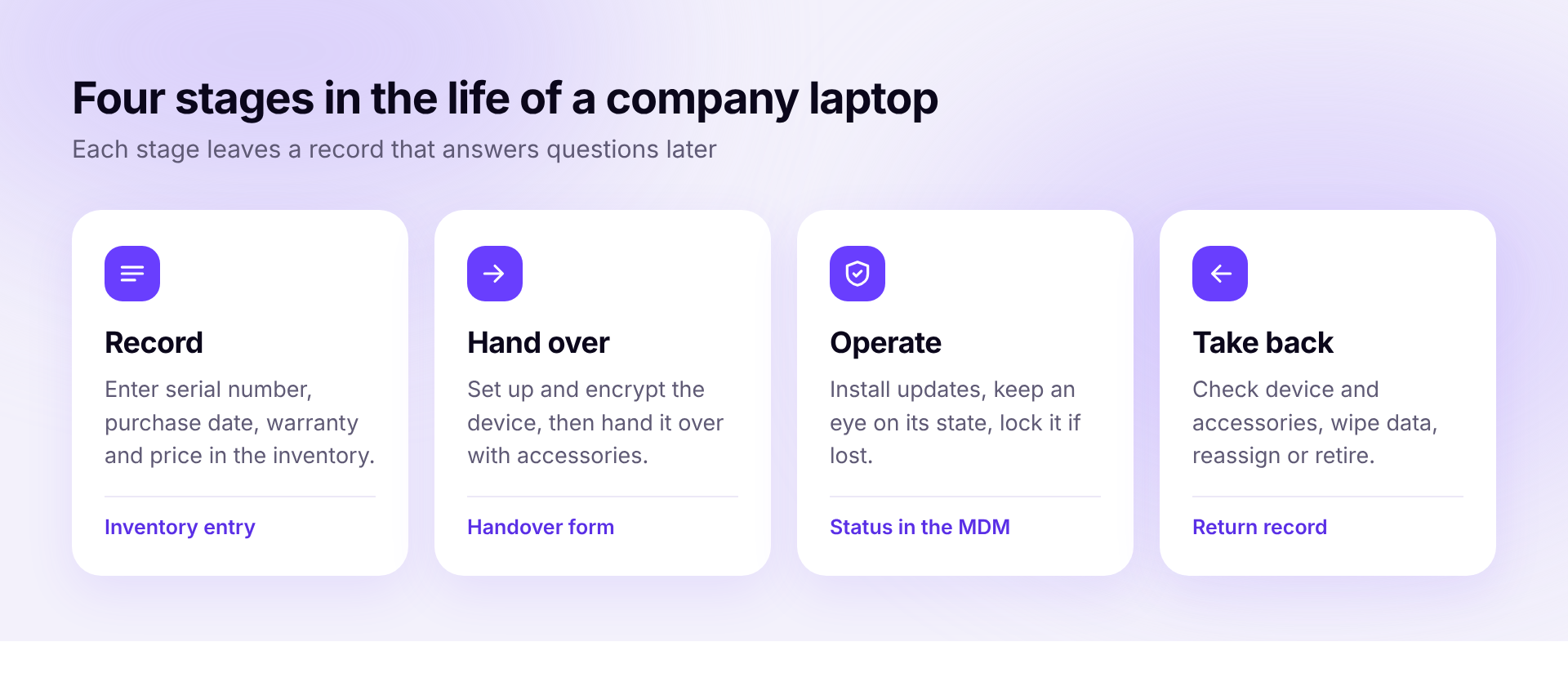
A laptop that was never in the inventory will not turn up there later either. So enter every device straight after delivery. What matters is manufacturer and model, serial number, purchase date, price and the end of the warranty. Add the status, meaning whether the device is in stock, assigned or out for repair.
A spreadsheet is enough to begin with. It goes out of date, though, as soon as someone swaps a device and nobody enters it. Our comparison of IT inventory software shows which tools handle this better.
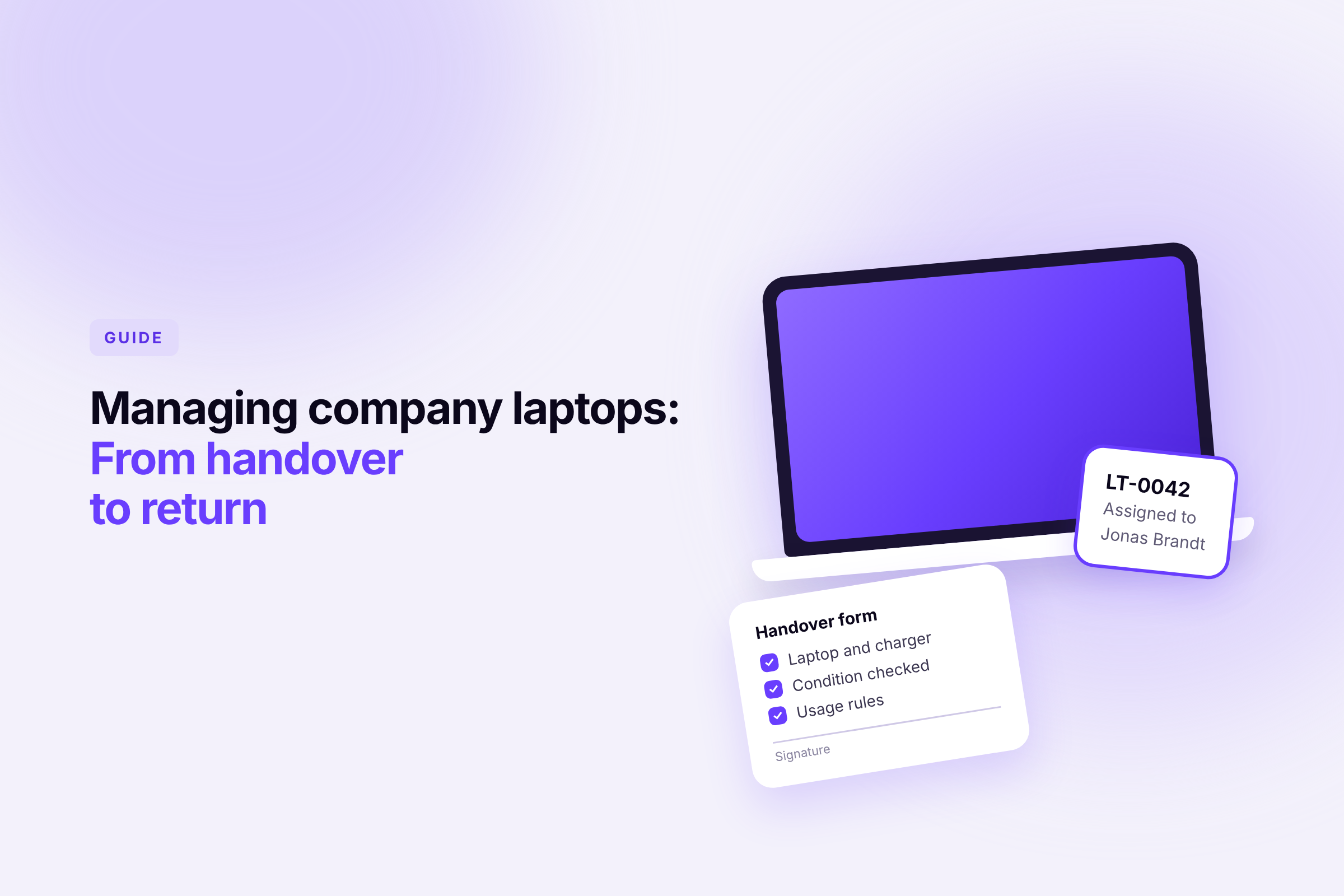
At handover, responsibility for the device changes hands. The handover form records that moment and prevents arguments later. It should cover these points.
Our template includes the section for the return on the same page. In the end you have one sheet that shows the whole journey of the device.
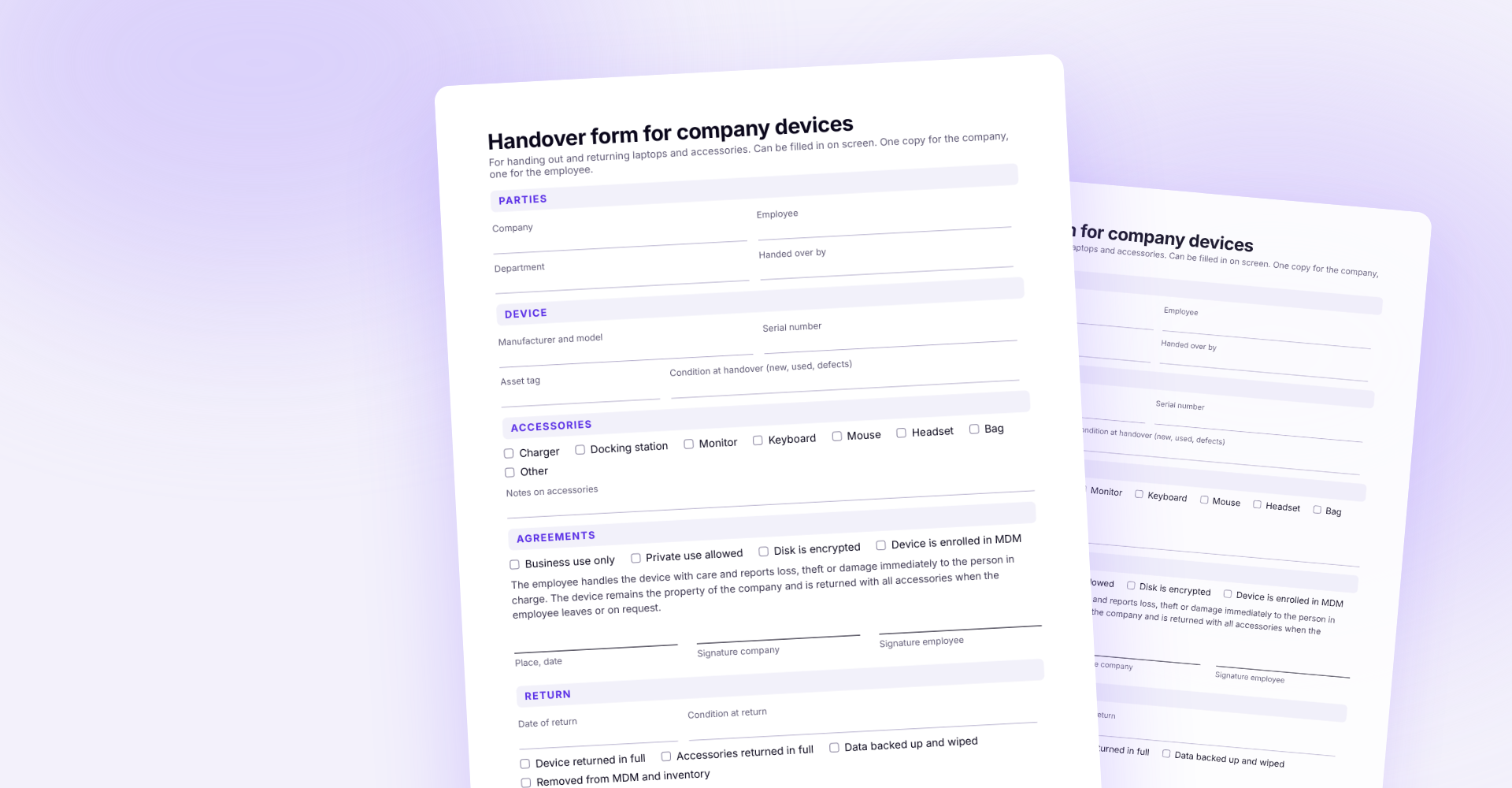
Download the handover form (PDF)
A device that is never in the office cannot be checked in passing. That job is done by mobile device management, MDM for short. For every laptop it shows whether the operating system is up to date and the disk is encrypted, and it distributes updates and settings remotely.
For new remote employees this means the laptop can go straight from the retailer to their home. With most solutions it sets itself up on first start. In that case the handover form goes out by email and comes back signed. Our MDM comparison lists the available solutions.
If a laptop is lost, you need to act quickly. The device is locked through the MDM and wiped if necessary, and the user's passwords are changed. If the disk is encrypted, a finder cannot get at the data anyway. If personal data was on the device unprotected, you may have to notify the data protection authority. Clarify that with your data protection officer.
When an employee leaves, this order makes sense.
If the device comes back by post, send a prepaid shipping label along. That makes the return easier.
How Sovaro handles it
In Sovaro every device sits in the inventory with serial number, status and assigned employee, accessories included. MDM for Mac, Windows and Linux is part of it, and laptops can be locked and wiped remotely. When someone leaves, Sovaro creates a return list for devices and access and distributes the tasks to the people responsible.
With an inventory in which every device is assigned to exactly one person or to stock, and with the rule that no laptop changes hands without an entry. The handover form is the proof of that.
Yes, if the device is enrolled in an MDM. It can then be locked and, if needed, wiped completely as soon as it is online. Without an MDM, all you can do is lock the employee's accounts.
No particular form is prescribed. What matters is that you can prove later who received what. A signature on paper and a digital signature both do that. For the rules on private use, check the employment contract and any works agreements.
With an MDM that supplies every device with updates remotely, checks encryption and locks it if it is lost. Add an inventory that shows which employee has which device.
With a handover form that records device, serial number, condition, accessories and usage rules and is signed by both sides. The same form is completed when the device comes back.