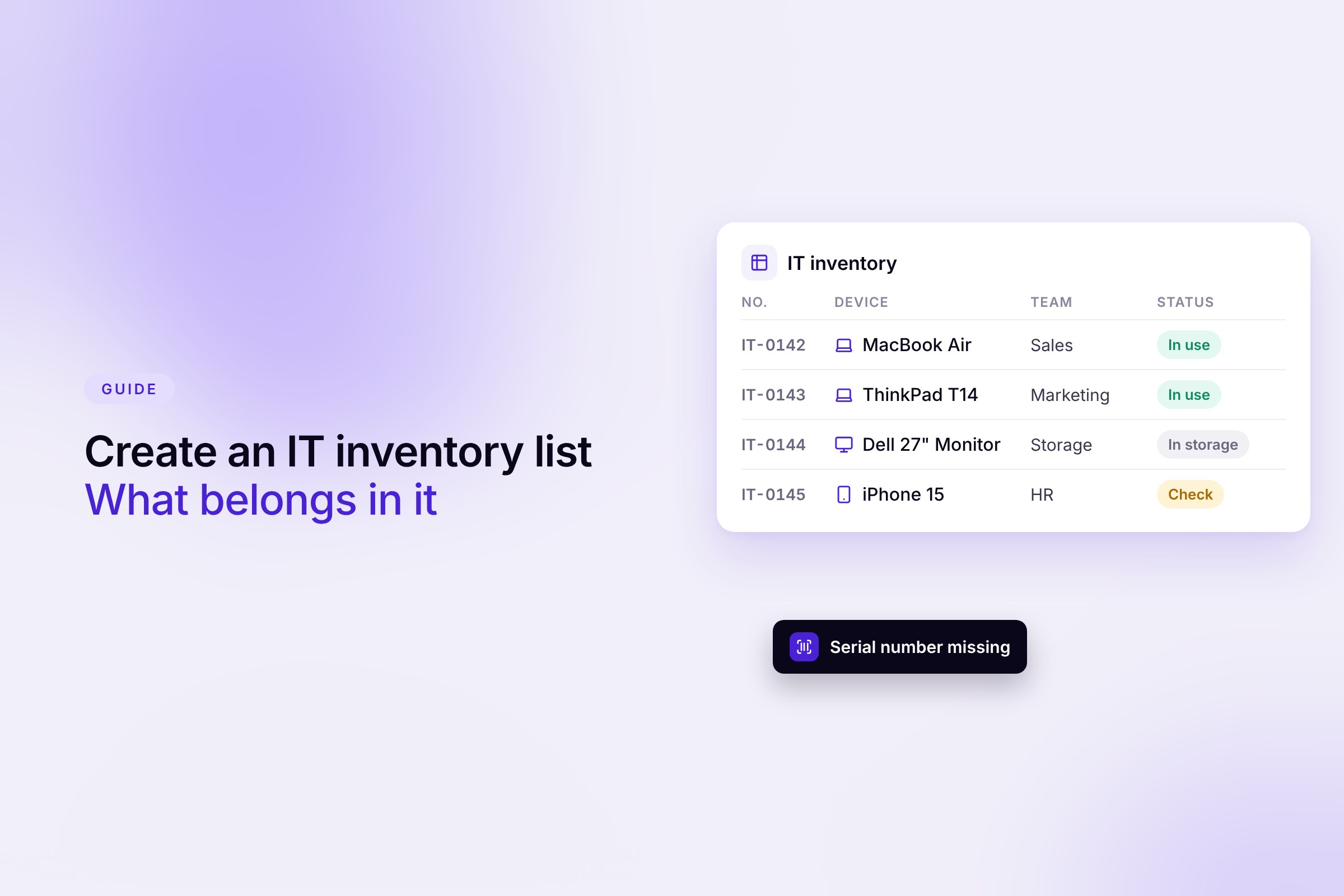
Who has which laptop? Which devices are still sitting in the cupboard? And what needs to come back when someone leaves? Whether you look after devices in office management, HR or as an IT admin, you need reliable answers to these questions. That is what IT inventory is for.
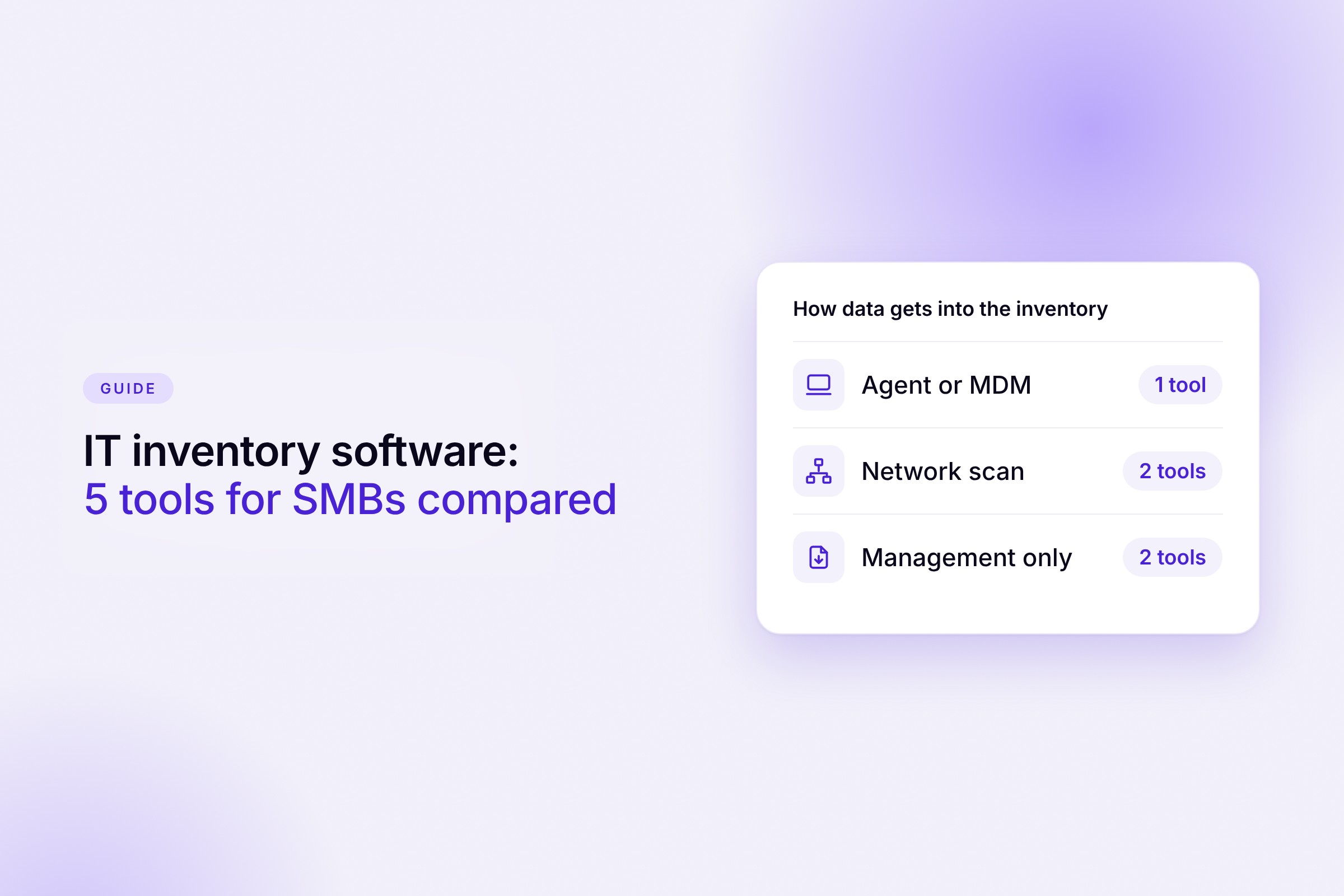
Which software helps depends on which task costs you time today. In this guide we compare the five most important tools for SMBs. You will see what they require, what they cost and what work is left for you afterwards. If you want to compare right away, jump to the tool comparison.
Transparency note. This comparison comes from Sovaro, one of the vendors on the list. We checked every statement against the vendors' websites, pricing pages and documentation (as of November 20, 2026). Within each group, tools are listed alphabetically. Spotted a mistake? Write to us at info@getsovaro.com.
Key points
- IT inventory software discovers devices in three ways. Tools with an agent or MDM also see laptops at home. Network scanners find servers, printers and switches on the company network. Pure management tools work with imports, barcodes or data from an MDM.
- For cloud-first teams without their own server, a tool with its own agent and MDM such as Sovaro is a good fit. For servers and network devices on your own network, Docusnap or Lansweeper are the better choice.
- You can start without license costs with Snipe-IT if you host it yourself, or with Lansweeper for up to 100 assets.
- For 50 employees, Sovaro costs €345 per month excl. VAT. Docusnap starts at €199 and Timly at €195 per month. The prices are not directly comparable because the tools do different things.
Which tool fits your team?
- You first want to know who has which device and document handovers, returns and storage? A management tool such as Snipe-IT or Timly is enough.
- Your team works cloud-first and device data should stay up to date on its own? A tool with its own agent and MDM such as Sovaro is a good fit.
- You have servers, printers and switches on your own network? You need a tool with a network scan such as Docusnap or Lansweeper.
- Intune is already set up and only the management part is missing? Sovaro or Snipe-IT are worth a look.
Just getting started with nothing but a spreadsheet? Our guide on how to create an IT inventory list covers which fields belong in it and how to start in five steps.
| Tool |
Discovery |
Company size according to the vendor |
Price from |
| Docusnap |
network scan |
any size |
€199 per month |
| Lansweeper |
network scan, optional agent |
any size |
free up to 100 assets, otherwise €270 per month |
| Snipe-IT |
import, barcode, MDM or RMM |
not stated |
no license costs (self-hosted), hosted $39.99 per month |
| Sovaro |
own agent and MDM |
around 30 to 150 employees, usable up to 250 |
€6.90 per person per month, 14-day free trial |
| Timly |
import, QR code and barcode, app |
not stated |
€195 per month |
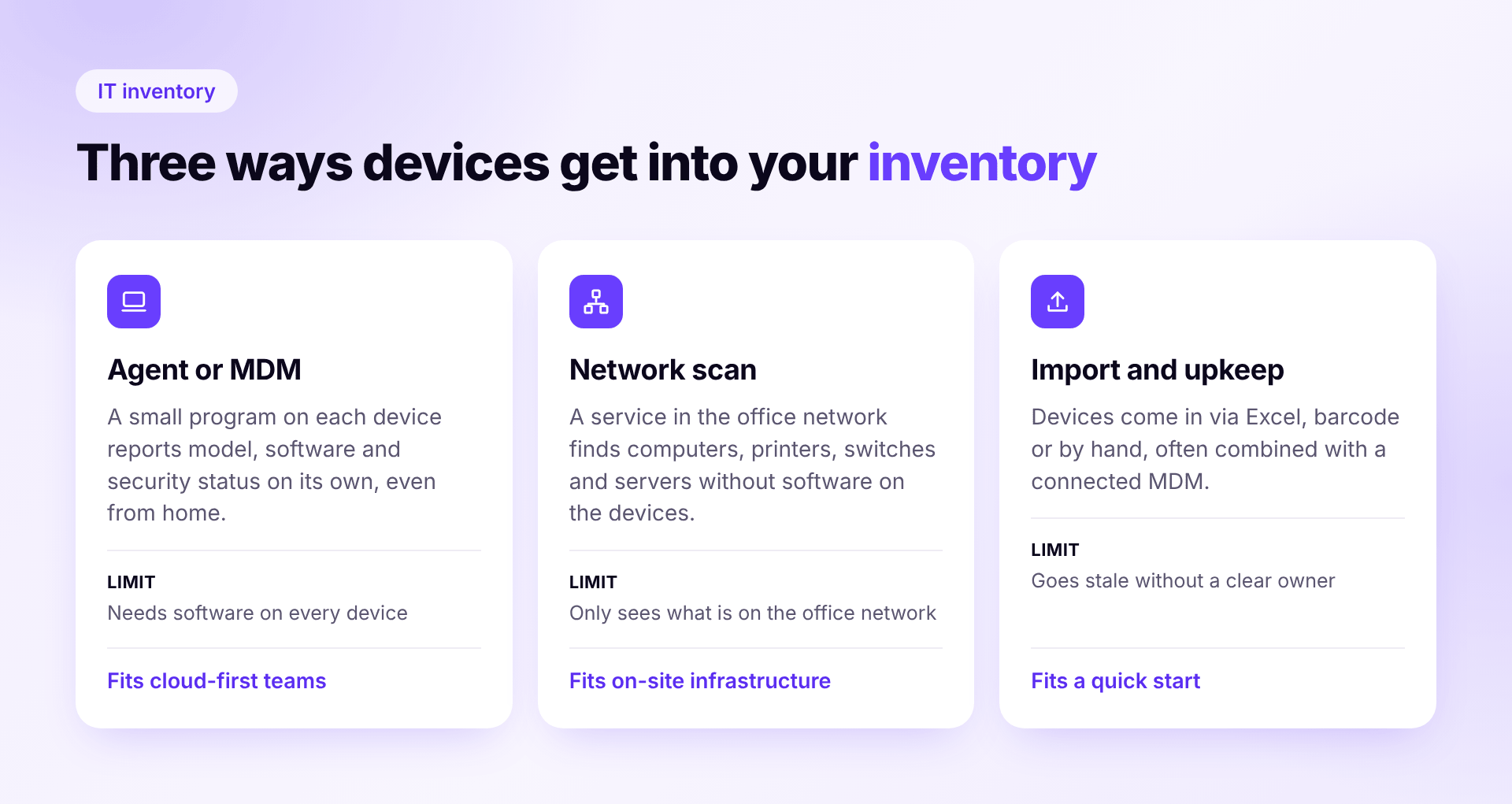
Discovery via agent or MDM
A small program or an MDM profile on each device regularly reports device data and, depending on the tool, installed software and security status. This also works for remote employees.
Sovaro
A fit if you work cloud-first and want to keep track of devices, software and licenses yourself.
- Discovery its own agent for Mac, Windows and Linux, rolled out via a setup link. It reports model, serial number, operating system, installed software and security status. Intune devices are imported, accessories are added via invoice, photo or AI import from old lists
- Strengths built-in MDM with nine security rules plus remote lock and wipe, history per person, detection of web apps in use even without SSO, with the HR add-on onboarding and offboarding from Personio, Google Workspace or Microsoft Entra with a return checklist, public prices, cancel monthly, data in the EU
- Limits smartphones and tablets can be tracked but not yet managed via MDM, that is coming soon, no network scan for printers, switches or servers, cloud only, no certification such as ISO 27001 or SOC 2
- Price IT base €6.90 per person per month excl. VAT, HR add-on plus €2.90, Finance add-on plus €4.90, both add-ons €12.50 instead of €14.70, 14-day free trial without payment details
- Vendor Sovaro GmbH, Munich
Discovery via network scan
A service on the company network finds computers, printers, switches and servers without installing anything on each device. This is strong for classic infrastructure. A scan alone does not see laptops outside the company network.
Docusnap
A fit if you need to fully document a grown infrastructure with servers and networks, for example for NIS2 or ISO 27001.
- Discovery agentless via a local gateway, a Windows service on your own network, plus Intune, Microsoft 365 and CSV or Excel import
- Strengths very broad coverage from Windows and Linux through VMware and Hyper-V to network devices, unlimited assets, German interface, hosting in the EU, operations certified to ISO 27001
- Limits the gateway needs a Windows host on your own network, even for the cloud version, laptops outside the network only via a local scan program or Intune, asset and license management only from Business, no MDM
- Price Pro €199 per month without asset management, Business €699 per month, both billed annually, 14-day trial
- Vendor Docusnap GmbH, Kiefersfelden, Germany
Sources Pricing
Lansweeper
A fit if you have many different devices on your network and mainly want to know what is connected at all.
- Discovery network scan via a local service, optional agent for Windows, macOS and Linux, cloud environments, Intune and CSV import
- Strengths also finds printers, switches and other network devices, normalizes installed software, data location in Europe available, free for up to 100 assets
- Limits no tier between the free version with 100 assets and the smallest paid plan with 2,000, monitors count as assets since November 5, 2026, license management only from Pro, no German interface found
- Price free for up to 100 assets, Starter from €270 per month, Pro from €474 per month, both billed annually
- Vendor Lansweeper, Merelbeke (Belgium), founded 2004
Sources Pricing
Management without its own discovery
These tools manage your inventory. The data comes from imports, barcodes, manual entry or a connected system such as Intune. Good if you mainly want to document handovers, returns and storage or already have an MDM.
Snipe-IT
A fit if you want an affordable, flexible asset list with barcodes and are happy to maintain it yourself.
- Discovery manual entry, CSV import or barcode and QR labels, no agent of its own. Sync adapters pull device data from MDM and RMM systems such as Intune or Jamf
- Strengths open source for self-hosting without license costs, hosted at a flat price with unlimited users and assets, hosting in Frankfurt available, German interface, digital acceptance of handovers
- Limits no automatic discovery without a connected MDM, no MDM of its own, no HR integration documented, licenses are maintained by hand, self-hosting needs PHP and a database
- Price self-hosted without license costs, hosted from $39.99 per month, Small Business $99.99 per month
- Vendor Grokability, Inc., USA, since 2013
Sources Pricing · More details Sovaro vs. Snipe-IT and How to switch from Snipe-IT to Sovaro
Timly
A fit if you want to manage tools, machines or vehicles alongside IT devices and capture them on site via QR code.
- Discovery on site via QR code, barcode or RFID with apps for iOS and Android, a network scan is listed as an extension, device data from Lansweeper can be imported
- Strengths assignment, handover and return with documentation, license contracts with terms and costs, built-in ticketing and stocktaking mode, German interface, data processed in Germany
- Limits no automatic discovery of IT devices without a network scan or Lansweeper, no MDM, no Intune or Personio integration found, single sign-on only on the Enterprise plan
- Price Essential+ from €195 per month, Professional from €495 per month, Enterprise on request, 10-day trial
- Vendor Timly, Zurich, founded 2020
Sources Pricing
What to look for when choosing
- Does the tool discover devices itself? Some tools need an agent, some scan the network, some only manage what you enter.
- Do you need your own server? Network scanners and on-premises solutions often require a Windows server or a local service. Without IT staff, that is real work. Our guide to IT without an IT department shows how small teams handle it.
- Does it work for remote employees? A network scan only sees what is on the company network. For mobile teams, an agent or MDM is more reliable.
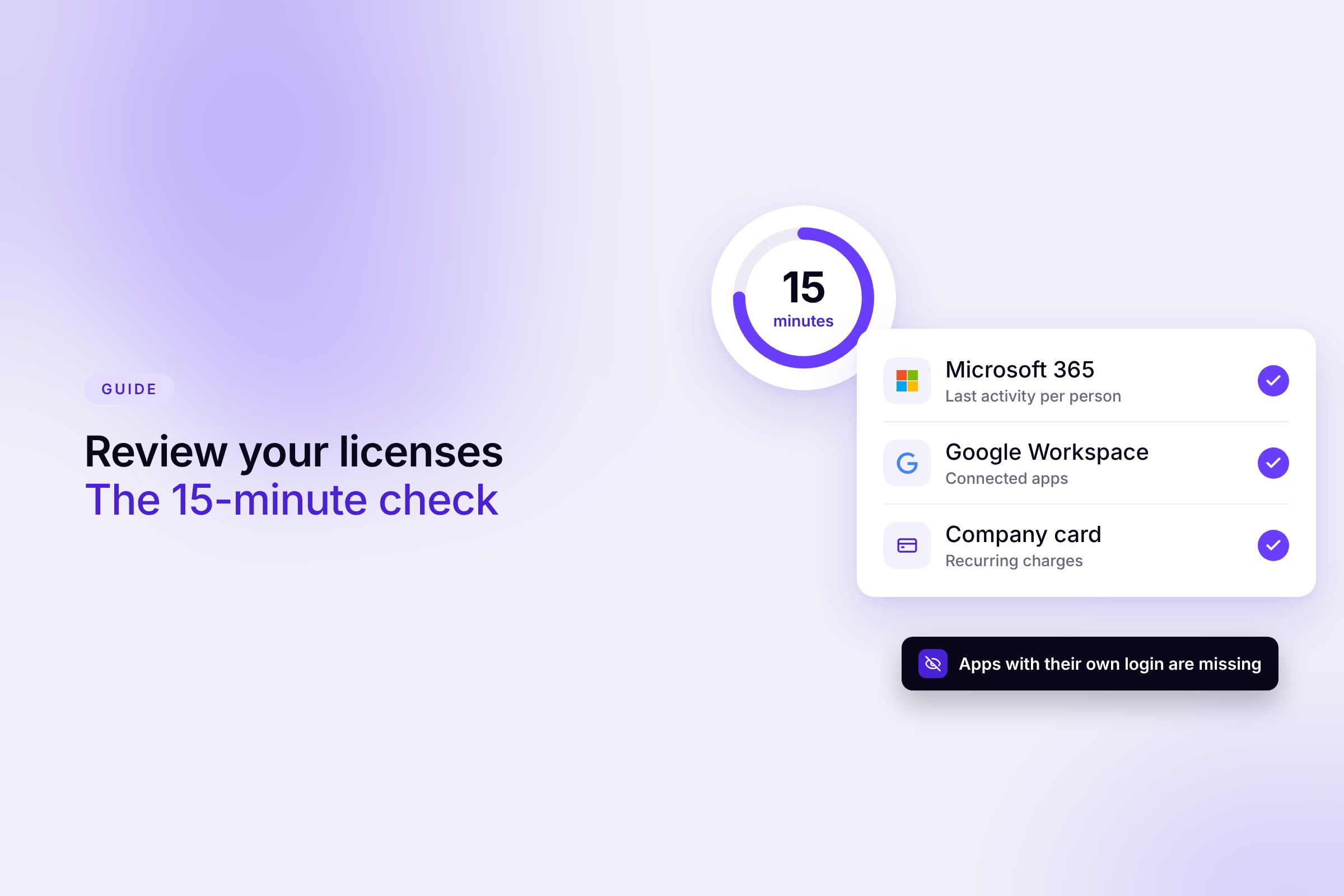
- Is software included? Detecting installed programs does not tell you which cloud subscriptions you pay for. That is what our comparison of license management software covers.
- Data protection and works council. A data processing agreement is mandatory, and hosting in the EU makes the review easier. In Germany, tools that track devices or usage can require works council approval.
What does IT inventory cost for 50 employees?
An example with public list prices and no discounts. 50 employees each have a laptop and a monitor, and one person looks after IT.
- Sovaro €345 per month excl. VAT for the IT base, €625 with both add-ons
- Snipe-IT self-hosted without license costs but with effort for servers and maintenance, hosted from $39.99 per month
- Lansweeper 50 laptops and 50 monitors are exactly 100 assets, right at the free limit. Every additional device moves you to the Starter plan from €270 per month
- Docusnap €199 per month, €699 with asset management
- Timly from €195 per month
The prices are not directly comparable. Docusnap scans entire networks, while Snipe-IT has no automatic discovery of its own.
Want to see what this looks like in Sovaro? Roll out the agent and your laptops show up with software and security status on their own. AI imports your old lists. 14-day free trial without payment details, cancel monthly. Start free trial
FAQ
What is the difference between IT inventory and IT asset management?
Inventory captures what exists, meaning devices, software and who they belong to. IT asset management covers the whole lifecycle from purchase to disposal, including costs and contracts. Our comparison of IT asset management software shows which tools cover it.
Do I need my own server for IT inventory?
Not necessarily. Cloud tools with an agent like Sovaro work without your own server, as do Timly and hosted Snipe-IT. Network scanners such as Docusnap and Lansweeper need a local service on the company network.
Does inventory work for laptops at home?
Yes, if the tool uses an agent or MDM on the devices. A pure network scan only captures devices reachable on the company network.
Is there free IT inventory software?
Yes. Snipe-IT is open source and has no license fees if you host it yourself. Lansweeper is free for up to 100 assets. Self-hosting still costs time for servers, updates and maintenance.
Sources. All information comes from the vendors' websites, pricing pages and documentation, checked on November 20, 2026. We did not use review sites.