Guides
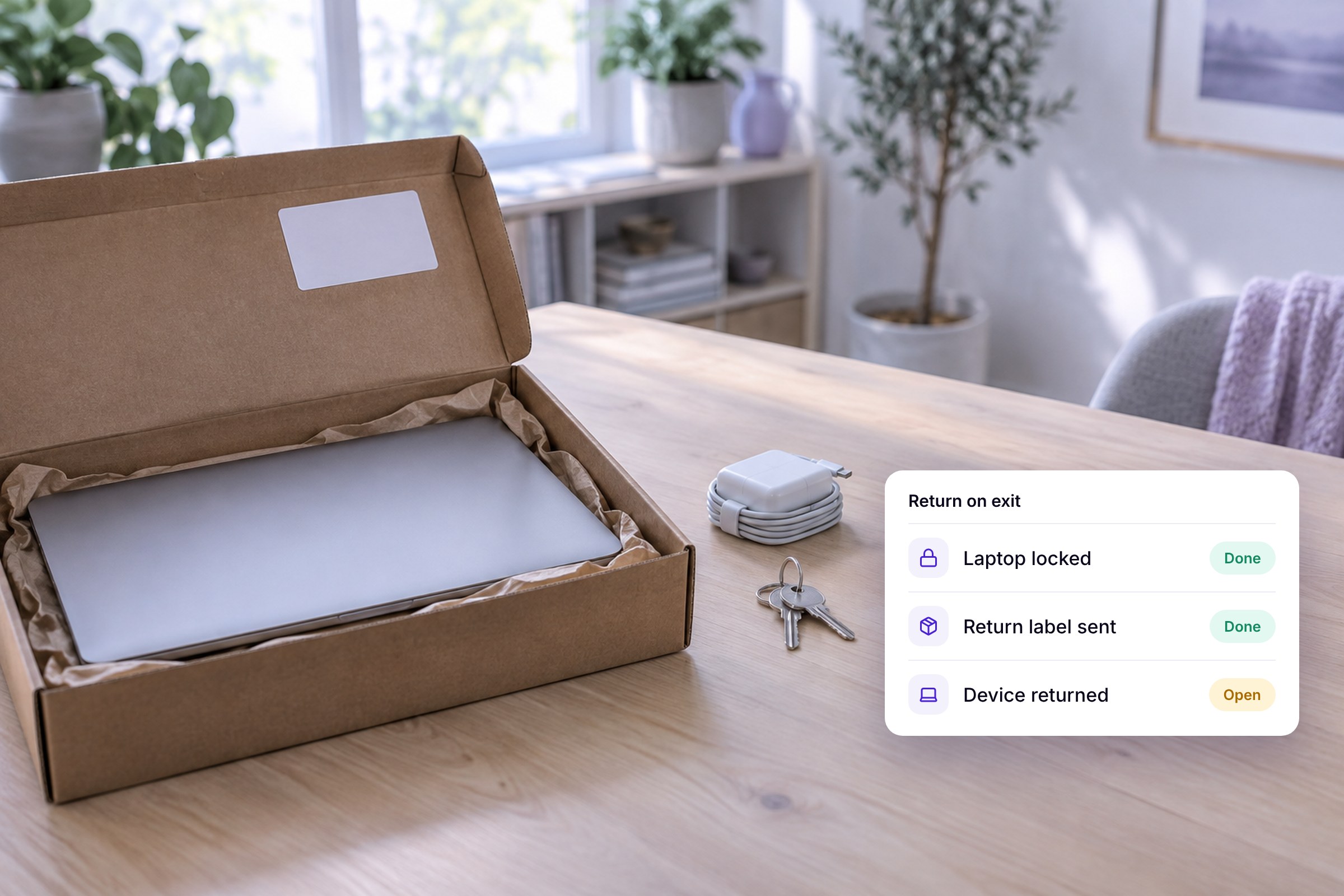

When a former employee won't return their company laptop, you're missing more than a device. It holds emails, customer data and often saved logins. It isn't always deliberate. Often nobody ever said when and how the laptop comes back, especially for remote employees.
Below is the legal side in brief and what to do now. Most of the post covers the process that prevents it.
Key takeaways
Generally, no. The laptop belongs to the company. If it's for work use only, German law usually treats the employee as a mere holder on the company's behalf (Besitzdiener, Section 855 of the German Civil Code). The Cologne Regional Labor Court took this view for a work laptop and phone (judgment of July 21, 2011, 7 Sa 312/11). The claim for return rests on ownership (Section 985) and on Section 667, under which whatever you received to do a job goes back at the end. The Federal Labor Court applies that rule to employment too.
Unpaid wages usually don't change that. A right of retention under Section 273 generally fails for pure work equipment, because the employee isn't a possessor in their own right. Keeping the device anyway can count as unlawful interference with possession (Section 858). It can be different if private use was explicitly allowed, as is common with company cars. Then the contract decides.
This post is not legal advice. Before suing or terminating anyone, please talk to an employment lawyer.
Two things to avoid. You owe the reference letter and employment documents regardless of the laptop, so they don't work as leverage. And don't simply deduct the device's value from the final paycheck. You first need a claim for damages, for example if the device can no longer be returned. Even then, Section 394 generally only lets you offset against the part of the wage that can be garnished.
What needs to come back has to be clear from the start. At handover, record model, serial number, accessories and condition, and have the employee confirm receipt. Set out in the employment contract or a device agreement that devices are due back by the last working day and who pays for shipping. What belongs in a handover form is covered in our guide to managing company laptops.
As soon as someone's leaving date is set, the return becomes part of the offboarding process, with a fixed date and an owner. In the office, the employee hands everything over on their last day. Check it against the handover form and confirm the return in writing, which protects both sides. The full exit process is in our offboarding checklist.
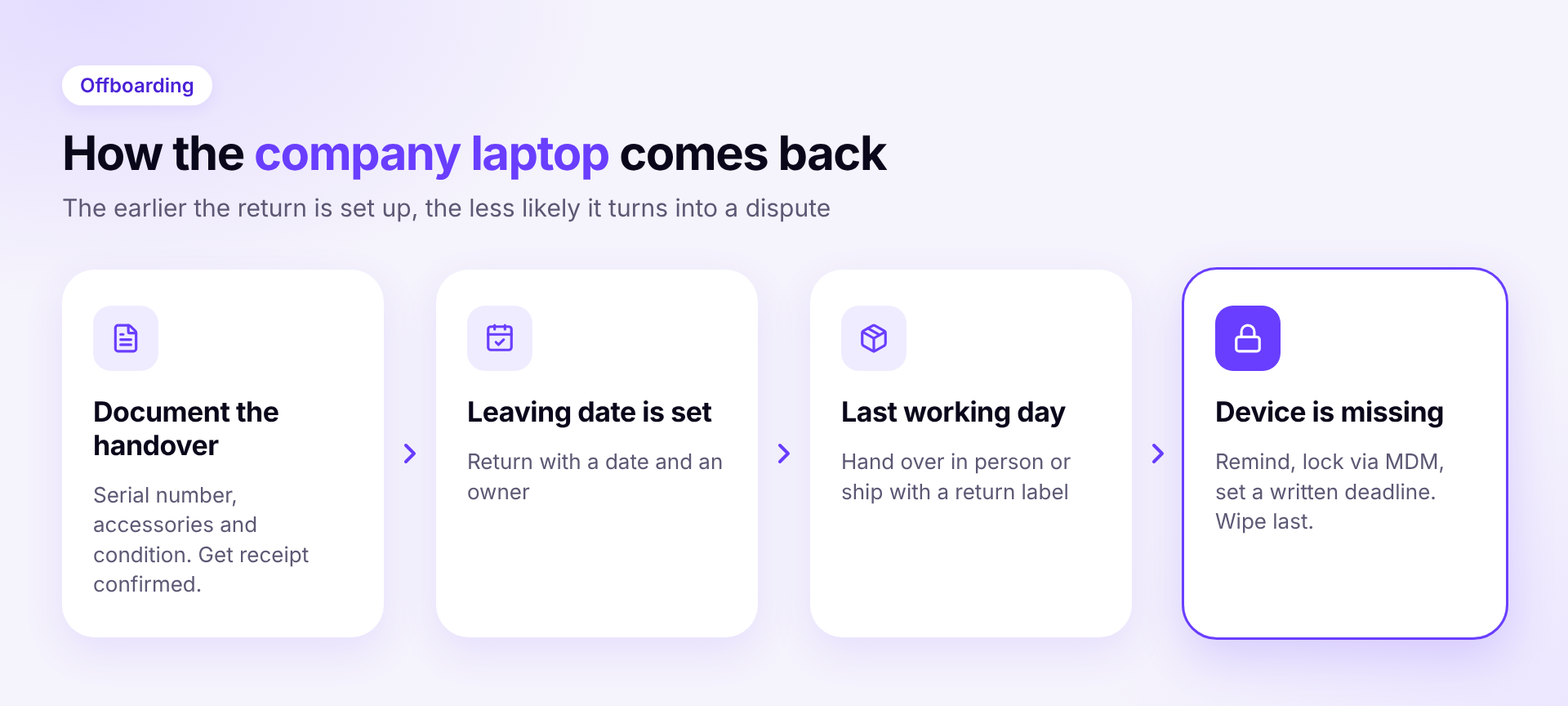
For remote staff, send a prepaid return label before the last working day, with a box if needed, and set a deadline. Ship insured and tracked. If someone used a personal Apple ID on a Mac, ask them to sign out and turn off Find My first. Otherwise Activation Lock stays on, and you can't easily set the Mac up again.
A remote lock makes a missing laptop unusable until you unlock it again. Wiping comes last, because company data is gone after that too. If private use was allowed, the device also holds private data. You can't simply wipe it along with everything else, and doing so can even be a criminal offense under German law (Section 303a of the Criminal Code). Give the employee a chance to save their data and check with your data protection officer before wiping.
In Sovaro, every device and accessory is assigned to a person, a workspace or storage. The device history shows who had a device and when. When Google Workspace, Microsoft Entra or Personio reports a departure, the offboarding workflow starts. You can also set the status by hand. Sovaro lists every device and accessory due back and shows, per departure, what's in and what's missing. Open steps stay visible until done. In the same workflow, tool admins get their tasks to revoke access.
If a laptop doesn't come back, you lock it right from Sovaro, with a message on the lock screen. The Sovaro agent carries this out as soon as the device is reachable. Wiping works remotely too, on Mac, Windows and Linux.
How Sovaro helps
Sovaro shows which devices are with whom and who had them before. The return becomes a fixed step in offboarding. You lock or wipe laptops remotely. Audit evidence is created along the way. Try it free for 14 days
Generally, no. For pure work equipment, there's no right of retention under German law. Wage claims have to be pursued separately.
By the last working day at the latest, and earlier on request during garden leave, as long as private use wasn't agreed. The contract usually has the details.
If the device was for work use only, the data belongs to the company. Still, lock it first and only wipe it once it's clear it won't come back. If private use was allowed, private data may be affected, so check with your data protection officer or a lawyer first.