Guides
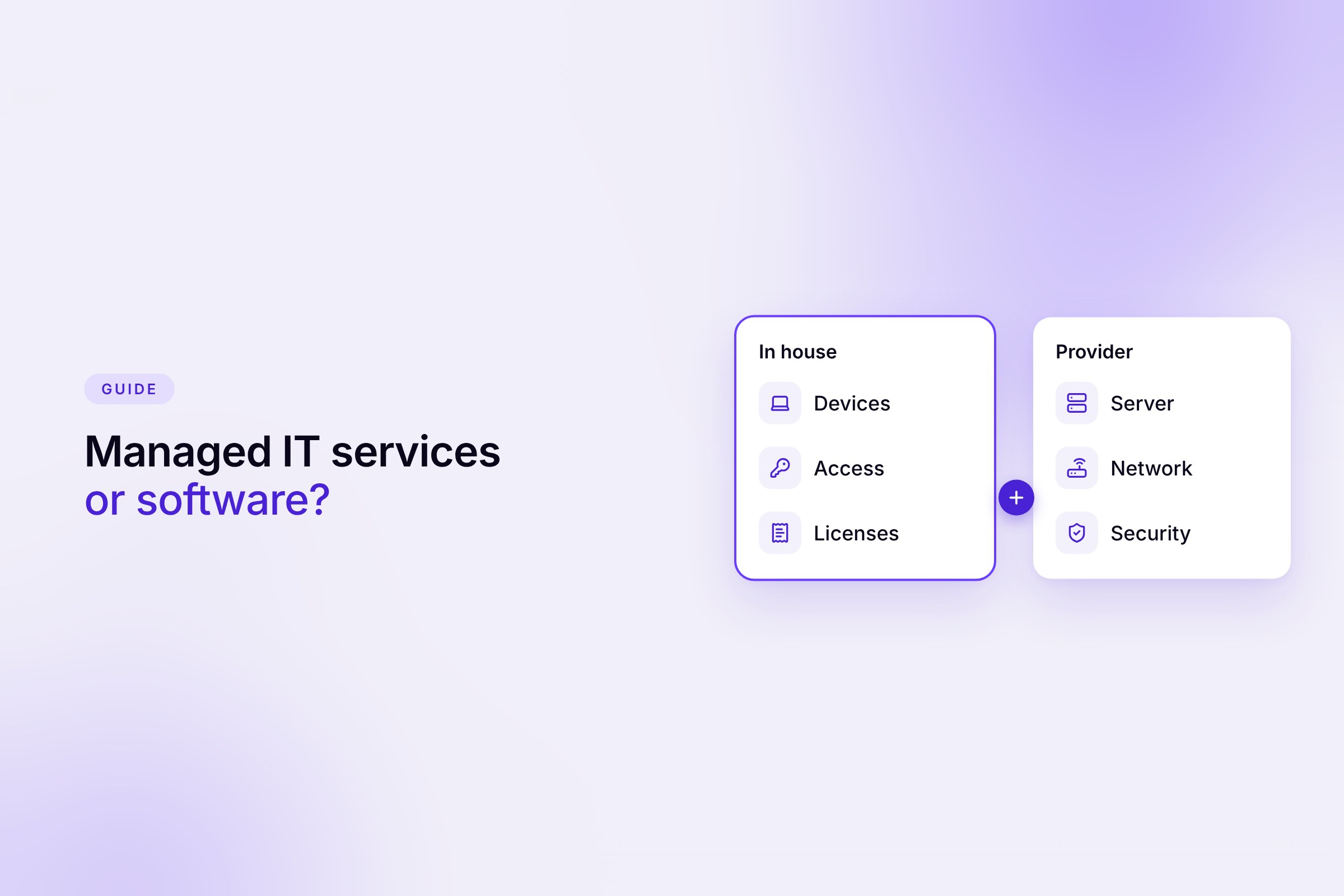

When a growing company decides to get its IT in order, three options come up quickly. A traditional IT service provider, a managed IT contract, or software that lets you handle much of the work yourself. The offers sound alike, but they solve different problems.
This guide separates technical work from administration and runs the numbers for 30, 60 and 100 employees. It also shows what you need in five typical situations.
Key takeaways
A traditional IT service provider, called a Systemhaus in Germany, sells and installs hardware, runs projects and helps when something breaks. Billing is often by the hour or per project.
Managed IT, on the other hand, is a contract model. The provider looks after your IT continuously for a monthly flat fee per workstation. Helpdesk, monitoring, updates, backup and basic device protection are typically included. Many traditional providers now offer both.
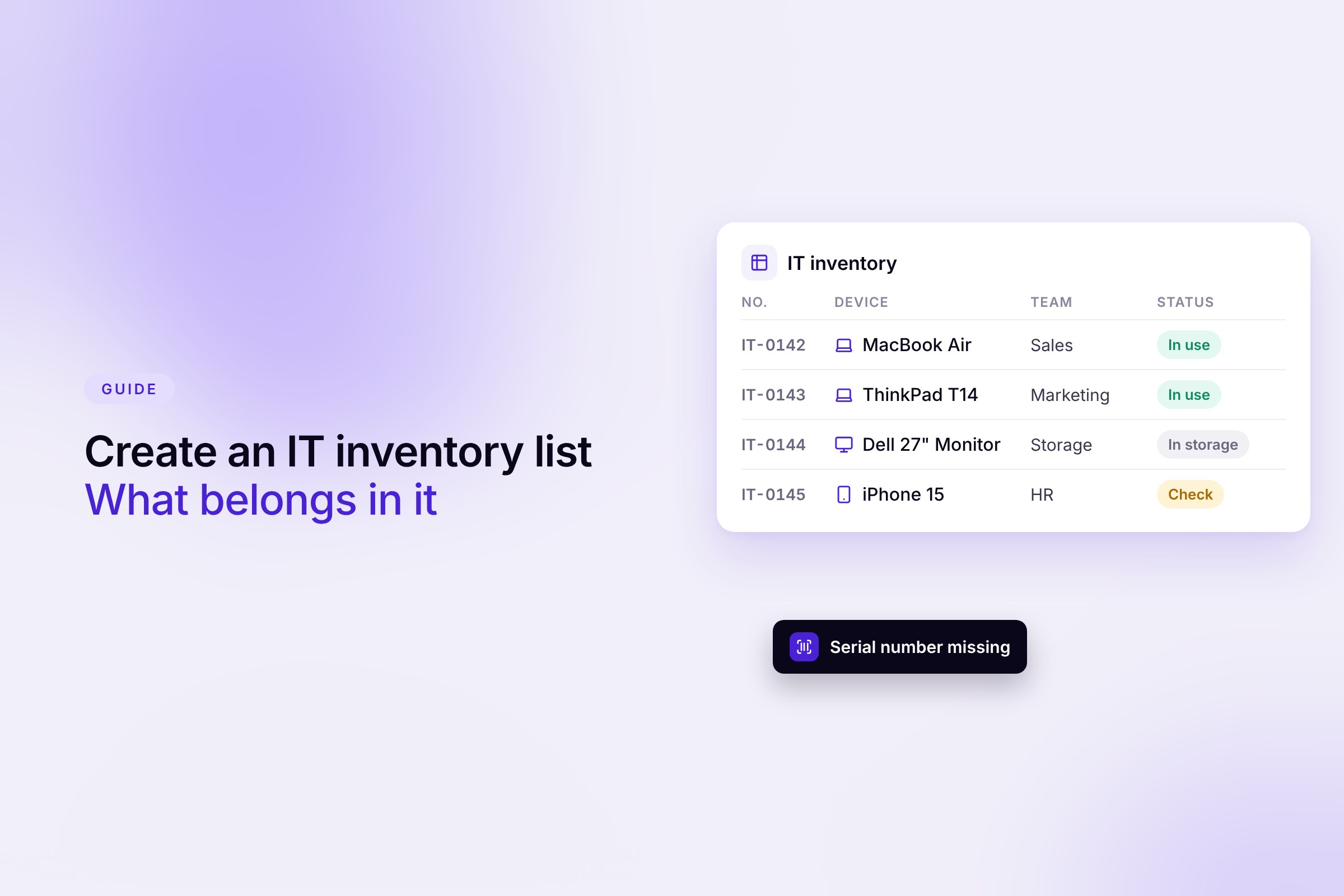
IT management software does no technical work. It organizes. It shows which devices, apps, licenses and accounts exist, who uses them and what they cost. Someone on your team does the work with it.
As soon as you run your own infrastructure or someone has to be on site, there is hardly a way around a provider. This mainly applies to the following tasks.
These tasks require expertise and experience with emergencies. That is not something you build up on the side.
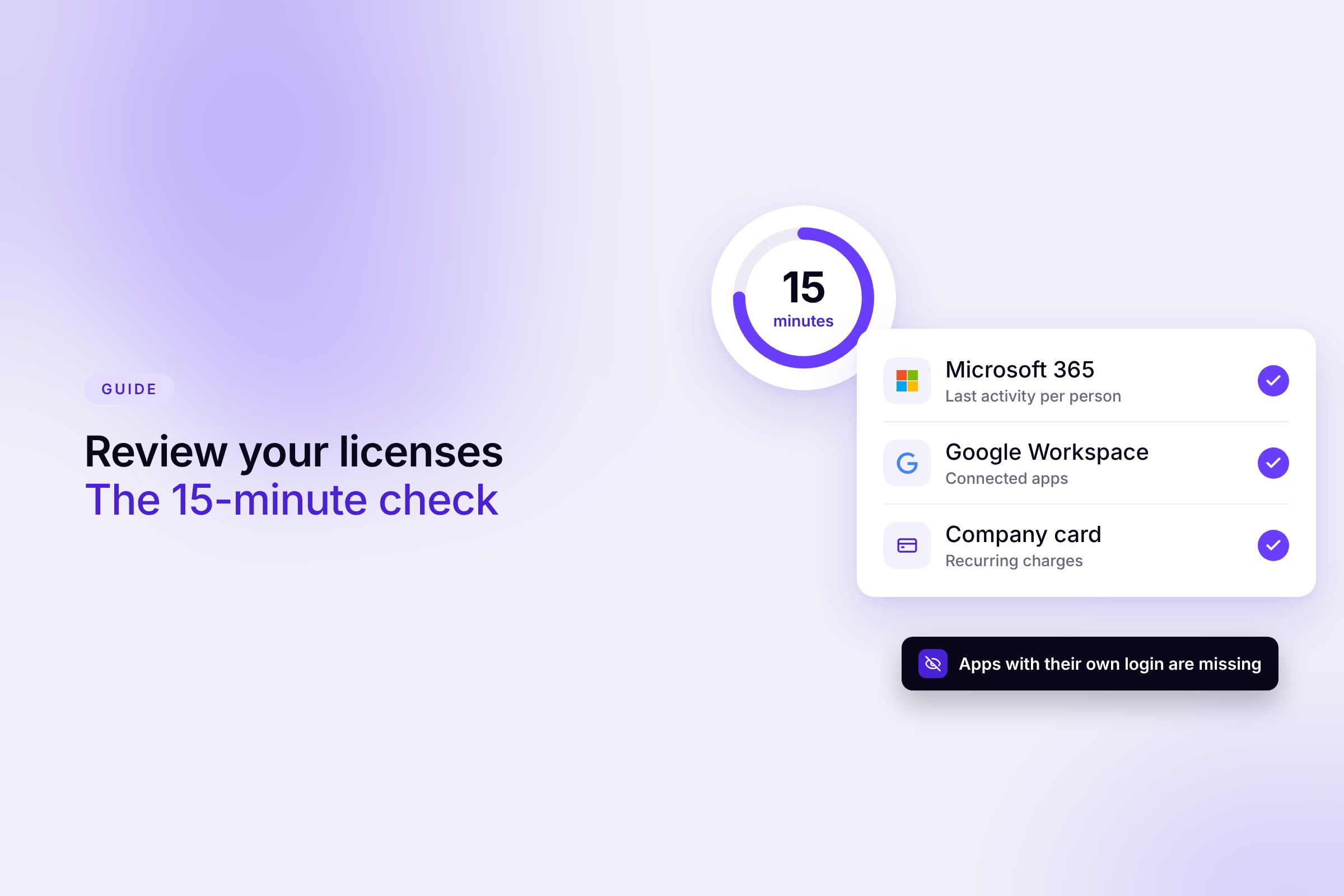
A large part of everyday IT work in SMBs is not technical but administrative. Who has which laptop? Which tools does the team use, and who signed up for them? Which licenses keep running unused? Who needs which accounts on Monday, and what has to be revoked when someone leaves?
An external provider struggles to answer these questions. They are often the last to hear about new hires and departures, and they don't know the tools that teams signed up for on their own. Some providers also bill for setting up new employees outside the flat fee.
The answers sit inside the company. With software that detects devices, apps and licenses automatically, this administration doesn't require deep IT knowledge. Our overview of SaaS management tools and the MDM software comparison for device management show which solutions are available.
Published prices from several German IT providers usually put a basic package at €50 to €90 per workstation per month (net, as of November 2026). With extended security and short response times, some providers quote up to €150. Hardware, migrations and other projects usually come on top. Individual jobs billed by the hour cost around €90 to €180 net with many providers.
For the calculation, we assume one workstation per employee. The software prices are Sovaro's current list prices.
The rows can't be offset against each other directly. A managed IT contract includes support, monitoring and security. Software doesn't fix a single outage for you. The real question is what you are paying the flat fee for.
A cloud-first team without servers or its own network often pays for services in a full package that it barely uses. Many providers also bill by module or through a fixed block of hours. That way you only pay for the infrastructure you actually have.
Also factor in internal time. In many SMBs, someone in HR or office management handles the administration on the side. Without a clear overview, that costs hours every week that never show up on an invoice.
For many companies with 30 to 150 employees, this isn't an either-or decision. Administration stays in-house, and the technical work goes to experts.
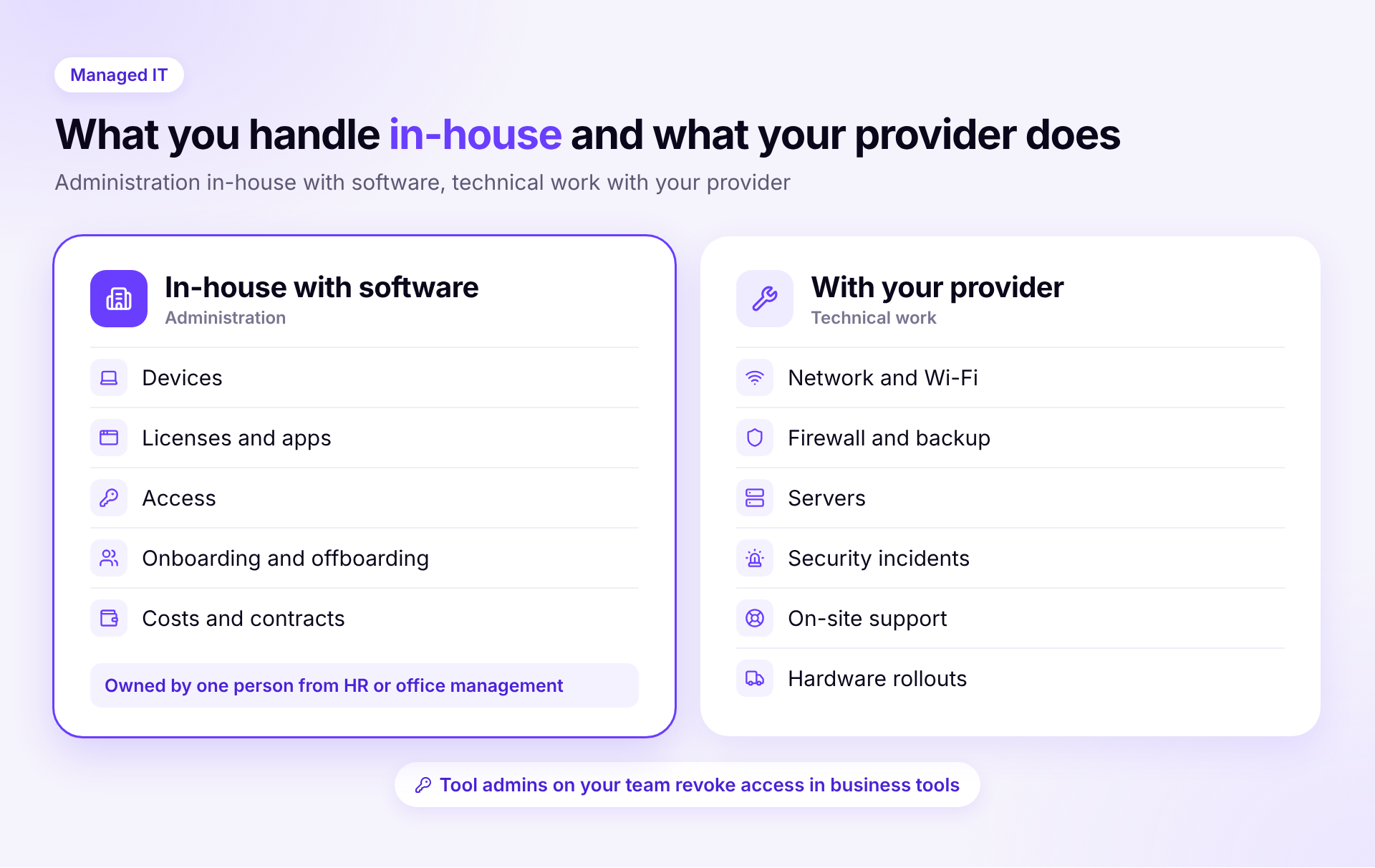
In-house, you keep the device list, licenses, access, onboarding and offboarding, and costs. One person is responsible, with fixed time each week and a backup. How to set this up without an IT department is covered in our guide to IT without an IT department.
The provider takes care of networks, firewalls, servers, security incidents and everything that happens on site. They don't need admin access to every single tool for that. Accounts in your business tools are created and revoked by the tool admins on your own team. That is more secure and saves back-and-forth.
The split has advantages for the provider, too. They get clean information and can focus on the work they are actually there for.
You work with Google Workspace or Microsoft 365, are remote or in a coworking space, and have no servers. Software is enough for everyday work here. For security incidents and special cases, set up a provider on call or with a small block of hours.
Office Wi-Fi, a firewall, printers and meeting rooms need someone who knows the setup and can come by. Bring in a provider for that. You still manage devices, licenses and access yourself, which keeps the contract lean.
If you fall under NIS2 or work with health or financial data, you need information security experts. A provider with a security focus makes sense here. Software provides the foundation, meaning a complete inventory and records of who had which access and when. Read more in our article on BSI requirements.
When new people join every month, administration becomes the bottleneck. Laptops have to be ready, accounts set up and revoked again when people leave. You need fixed processes in-house for that, ideally with onboarding and offboarding workflows. Bring in a provider for larger hardware rollouts.
Don't cancel right away. First check where things get stuck. The frustration often lies in administration, such as who has which laptop or which licenses are still running. Without information from inside the company, a provider can hardly solve that. Bring these tasks in-house and limit the contract to the technical side. If things still don't work after that, you have a clear basis for switching.
How Sovaro helps
Sovaro handles the administration, not the technical work. You see all devices, apps, licenses and costs in one place. When people join or leave, every tool admin gets their task with a deadline. Your provider keeps taking care of networks, servers and security, and an existing Intune setup can be connected. Try it for free
Not for everyday work. Without servers or an office network, most of the work is administration. You still need a provider for security incidents and special cases, ideally on call.
According to published prices from German providers, usually €50 to €90 net per month for a basic package. With more security and shorter response times, up to €150.
No, not for the technical work. Software replaces the administrative work that would otherwise end up in spreadsheets or with the provider. Networks, firewalls and emergencies remain a job for experts.
One dedicated person with a backup, often from HR or office management. What matters is fixed time each week and clear ownership for each tool.